

Moisture is one of the most common and underestimated issues in 3D printing. Even when filament looks perfectly fine, absorbed humidity can affect extrusion, surface quality and overall print reliability. This is why filament dryers have become increasingly popular among hobbyists and regular users.
Among the most searched brands, Sunlu filament dryers stand out thanks to their wide range of models and accessible pricing. But how do they really differ, and what should you know before choosing one?
Why filament moisture matters in everyday 3D printing
Most 3D printing filaments are hygroscopic, meaning they naturally absorb moisture from the air over time. This can happen even when spools are stored indoors and away from visible sources of humidity. When damp filament is heated during printing, the trapped moisture can expand, leading to popping sounds, inconsistent extrusion and visible imperfections on the printed surface.
A filament dryer does not improve the filament itself, but it can help restore more stable printing conditions by reducing excess moisture before or during use. This is especially relevant for users who print regularly or live in environments with higher humidity levels.
What a Sunlu filament dryer is designed to do
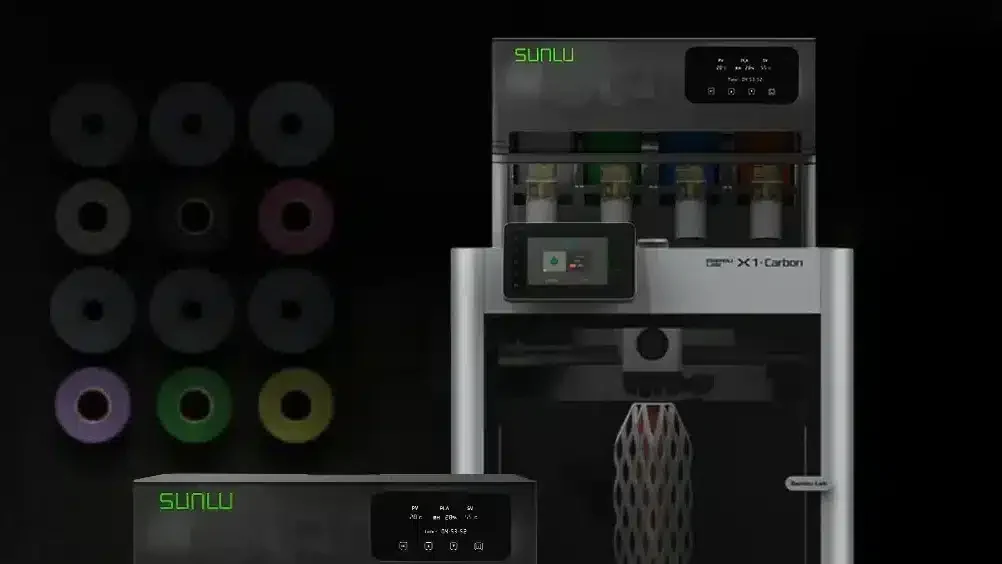
Sunlu filament dryers are enclosed devices that gently heat filament spools for a set period of time. The goal is to lower internal moisture levels while keeping temperatures within a safe range for common materials such as PLA, PETG, ABS and TPU.
Most Sunlu models allow printing directly from the dryer, which helps prevent re-absorption of moisture during long print jobs.
While these devices are often described as “plug and play,” real-world use shows that understanding basic settings and limitations makes a noticeable difference in results.
Overview of Sunlu filament dryer models
Sunlu currently offers several filament dryer models, each designed for different usage patterns rather than a single “best” option.
Sunlu S1 Plus filament dryer
The S1 Plus is often chosen by beginners or occasional users. It is compact, easy to set up and suitable for standard filament spools. Temperature and time can be adjusted manually, making it flexible enough for basic materials.
This model is typically used for short drying sessions or as a preventive step before printing. It may not be ideal for users working with highly moisture-sensitive filaments, but it covers common everyday needs.
Sunlu S2 filament dryer
The Sunlu S2 filament dryer offers a more refined interface, usually featuring a display that allows clearer control over time and temperature. This makes it easier for users who frequently switch between materials.
One practical detail often discussed by users is how the S2 handles power control. The device can be turned off using the power button, and in many cases it retains previous settings when restarted, which simplifies repeated use.
Sunlu S4 filament dryer
The Sunlu S4 filament dryer is designed for users who manage multiple spools or print frequently. Its larger internal capacity allows several filament rolls to be dried at the same time, which is useful for small workshops or advanced hobby setups.
The S4 typically includes internal airflow to distribute heat more evenly, which can improve consistency across different spools. This model is often chosen by users who want a more stable workflow rather than occasional drying.
Sunlu E2 filament dryer
The Sunlu E2 filament dryer is positioned as a higher-end solution. It supports higher temperature ranges and is intended for users working with more demanding materials.
Unlike entry-level dryers, the E2 may also support extended drying cycles and controlled heating processes. For users printing engineering or specialty filaments, this model offers more flexibility, though it requires closer attention to settings.
Sunlu filament dryer manuals and real-world use
Searching for “Sunlu filament dryer manual” is common, and for good reason. While the basic operation is simple, each model has small differences in controls, button combinations and timer behavior.
In practice, most users rely on a combination of the official manual and experience. Online discussions often highlight that drying results depend not only on the device but also on room conditions, filament age and spool size. For this reason, manuals should be seen as a starting point rather than a fixed rulebook.
How to turn off a Sunlu filament dryer
A frequent question is how to properly turn off a Sunlu filament dryer. The answer depends on the model:
- Many Sunlu dryers automatically stop heating when the timer ends.
- Models with a power button can usually be turned off manually without unplugging the device.
- Some users prefer to disconnect power completely after the cycle finishes, especially if the dryer will not be used again soon.
Checking the specific manual for your model is recommended, as button behavior can vary slightly between versions.
What users say in reviews and forums
Online reviews of Sunlu filament dryers are generally mixed but informative. Many users report noticeable improvements in print consistency after drying filament, especially for PETG and flexible materials. Others point out that results are more subtle with PLA unless the filament was clearly damp.
Common feedback highlights that these dryers are support tools, not miracle solutions. When used correctly and consistently, they can help stabilize prints, but they do not replace good storage habits.
Choosing the right Sunlu filament dryer for your setup
- Occasional printing: S1 Plus
- Regular printing with multiple materials: S2
- Multiple spools and continuous use: S4
- Advanced or technical materials: E2
Rather than focusing on specifications alone, it is often more useful to consider how often you print and how many spools you manage at the same time.
Paying attention to your printing environment
Using a filament dryer works best when combined with proper storage and awareness of ambient conditions. Even after drying, filament can slowly absorb moisture again if left exposed. Keeping spools sealed when not in use helps extend the benefits of the drying process.
Listening to your printing results
Ultimately, your prints provide the clearest feedback. If surface quality improves and extrusion becomes more consistent after drying, the process is working as intended. If not, adjusting time, temperature or storage habits may be necessary.